Most REAPER users who buy a Stream Deck end up on the same hunt: which option actually puts the session on the keys? There are six serious answers, and after weeks of testing in real recording and mixing sessions, the gap between them turned out to be much bigger than their price tags suggest. Five of them are workarounds in different clothing. One of them behaves like actual control surface hardware.
Below is the ranking, worst first, best last. Every option works today on Windows and macOS, and each card shows what it does well, where it falls short, and who it suits.
How the options compare
| Method | Feedback | Focus-free | Setup effort | Price |
|---|---|---|---|---|
| Keyboard shortcuts | None | No | Minutes | Free |
| Reaper OSC Action | None | Yes | Light | Free |
| Reaper Profiles | None | No | Minutes | Paid |
| Rea-Sixty | Full | Yes | Medium | Free |
| ReaLearn | Full | Yes | Heavy | Free |
| REAPER Live Control | Full | Yes | Minutes | Paid |
Two columns decide most of this review: can the keys show live state, and does everything keep working when REAPER is not the frontmost app. Only one option scores on both while staying effortless to set up.
6. Keyboard shortcuts
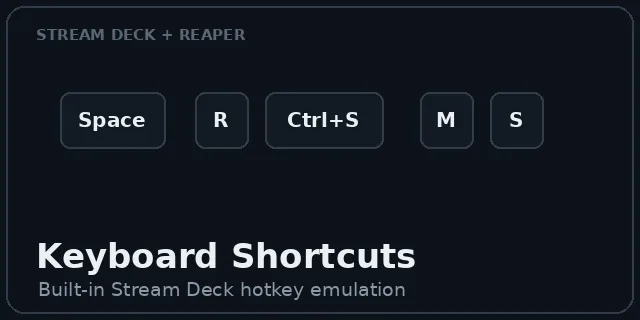
The bottom of this list was never in doubt. Bind a REAPER action to a keyboard shortcut, tell a Stream Deck key to send it, done. It costs nothing, which is the only genuinely good thing about it.
The concept collapses the first time REAPER loses focus. The Stream Deck presents itself as a keyboard, so the moment you click into a browser, a plugin window or anything else, your transport keys stop working. And since there is no return channel at all, a Play key looks identical whether the song is rolling, stopped or recording. These are not buttons with state, they are labels you press and hope.
5. Reaper OSC Action
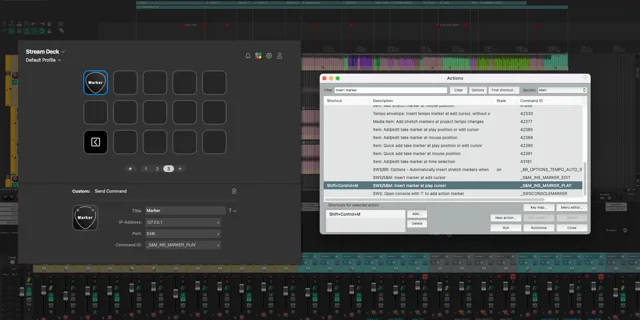
A free, open source plugin by hukl, written in Go and available on the Elgato Marketplace. You add an OSC control surface in REAPER's preferences, then each Stream Deck key sends a raw Command ID over OSC. This solves the focus problem, which is real progress and the reason it beats option six.
Everything else feels unfinished. The connection is strictly one-way: nothing ever comes back, so no play state, no record light, no position readouts, no track control of any kind. Building the deck is equally crude, since every key needs a Command ID typed in by hand while you keep REAPER's action list open in another window. It is a debug tool with a marketplace listing.
4. Reaper Profiles for Stream Deck
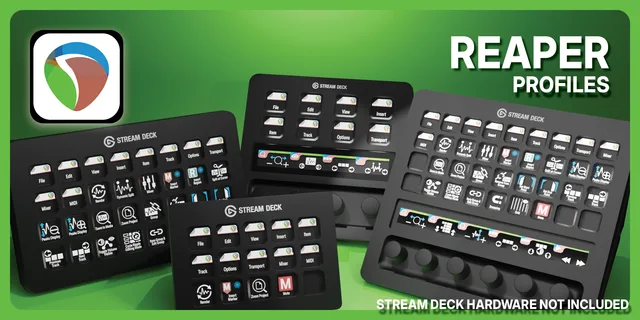
Elgato's own profile packs for REAPER, sold on the Marketplace in variants for different Stream Deck models and platforms. Out of the box they look the part, which is exactly the problem: the polish is on the surface, and the surface is all there is.
Underneath, a profile is keyboard emulation with nicer icons, so the focus failure of option six rides along for free. The layout is fixed by whoever designed the pack, and the moment you want a key for your own Custom Action you are editing a product you paid for, against its grain. The Pro variants cost more than a dedicated plugin that outclasses them in every category that matters.
3. Rea-Sixty
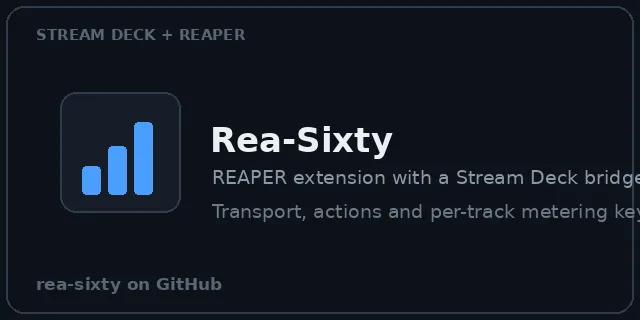
An open source REAPER extension from acklin83 with an optional Stream Deck companion plugin. An extension runs a TCP bridge, the Stream Deck plugin talks to it, and the result is true two-way control: transport, selection modes, action tiles and a per-track metering key with track name and colour that is the best free metering available on a Stream Deck, period.
It also drives a native Bitfocus Companion module from the same bridge, which matters on multi-app live rigs. The friction is real though. Windows is the first-class platform and macOS users are an afterthought. Assembly takes three moving parts, and customizing beyond the built-in key set means editing extension configuration files rather than touching a settings panel. Impressive work, demanding hobby.
2. ReaLearn
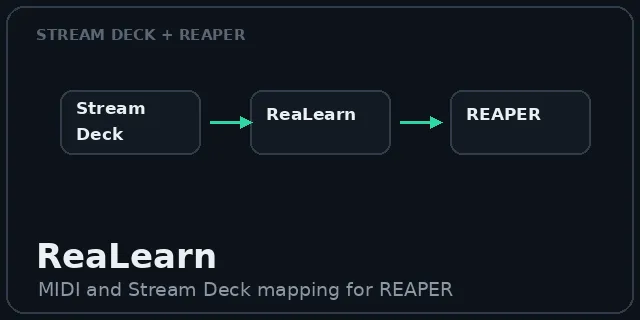
Helgoboss's mapping engine deserves respect and earns second place for the same reason. ReaLearn can map nearly anything to nearly anything inside REAPER, and it treats the Stream Deck as a first-class input and feedback surface: dynamic backgrounds, foregrounds, text and bars driven by live REAPER state. It is free, actively maintained, and the only option here that runs on Linux.
The problem is what it costs you, and the price is not money. ReaLearn is a programming environment wearing a plugin's clothes, and a clean Stream Deck surface means learning its world of controllers, targets and feedback styles. For a producer who wants working keys before tonight's session, the power-to-effort ratio runs entirely backwards: hours of configuration for keys that should take minutes.
1. REAPER Live Control
The winner approaches the problem the way a control surface company would, and it shows immediately. Install it from the Elgato Marketplace, start REAPER, and it is running: standard and portable installs are detected automatically, one connection powers the whole deck, and there is nothing to configure before the first key works.
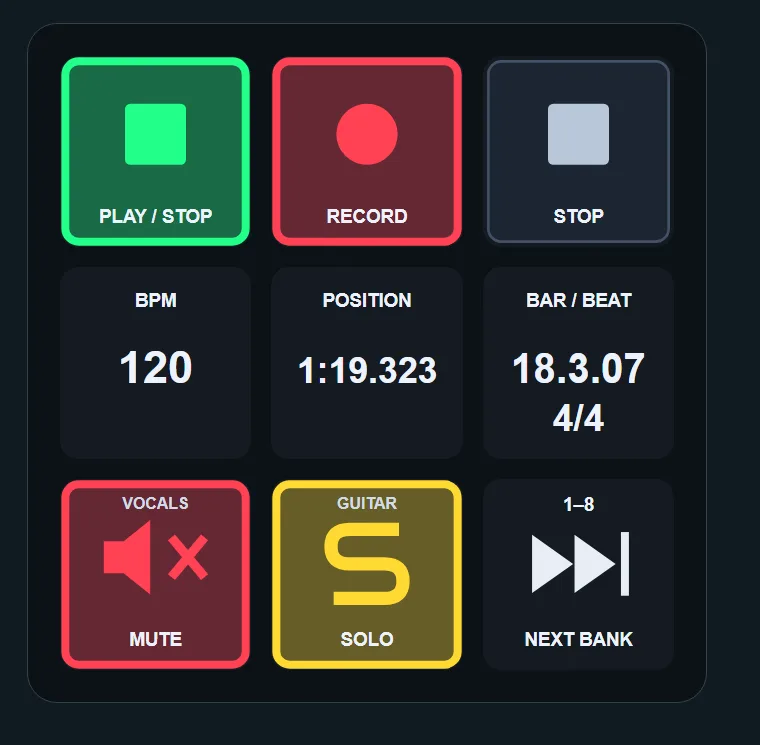
Then it pulls further ahead. The full REAPER Action List lands on the Stream Deck, Custom Actions and registered scripts included, searchable straight from the deck, so actions get placed without anyone memorizing Command IDs or keeping a second window open. Existing REAPER toolbar and track icons are picked up automatically, which makes a fresh deck feel familiar on day one. Transport, mute, solo, record arm, volume, pan and track banking all mirror the true session state live, and position, bar/beat, time signature and BPM tick across the keys while the song plays. Every icon, colour, title and text size is adjustable.
That combination does not exist anywhere else in this test. Reaper OSC Action has no feedback. Rea-Sixty and ReaLearn have feedback but demand assembly or a weekend of mapping. The profiles have neither search nor state. REAPER Live Control is the only one that does all three, on both platforms. CDM called it about the nicest Stream Deck implementation they had seen, and having tested everything on this page, that reads less like hype and more like a description.
Which one should you pick?
If assembling open source toolchains is part of the fun, Rea-Sixty is the best free route on Windows and ReaLearn is the deepest free option anywhere. For working producers who want honest, live keys in ten minutes, REAPER Live Control is the only choice worth making. It is on the Elgato Marketplace, and it is the benchmark the other five fail to meet.