
Stream Deck plugin for Cakewalk Sonar

Cakewalk Sonar Live Control

Control Cakewalk Sonar from your Stream Deck. Transport, tracks and commands on keys that show what is happening in your session.
  • Windows 11 x64
  • Stream Deck 6.9+
  • Dial support
  • No virtual MIDI driver
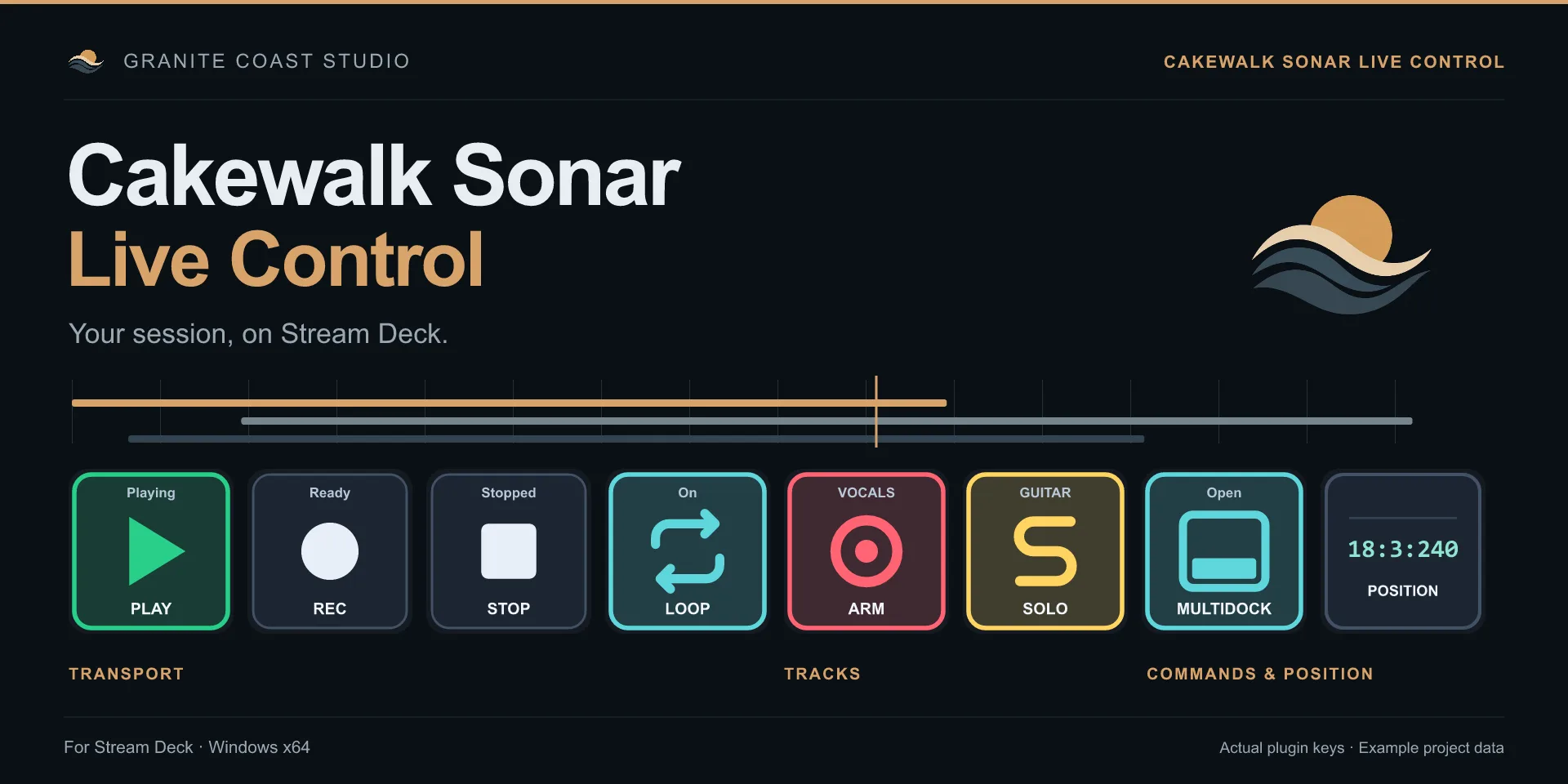
Cakewalk Sonar Live Control keys: Play lit as playing, Record, Stop, Loop on, Arm on a vocals track, Solo on a guitar track, MultiDock open and song position 18:3:240.
Actual plugin keys, example project data

Capabilities

Your Sonar session, on your keys.

Live Control puts the parts of Sonar you reach for most into five focused areas.

  • Transport

    Transport with live feedback

    Play, Play/Pause, Pause, Stop, Record and Loop keys show Sonar's actual transport state. Hold Rewind or Fast forward to shuttle, and let go to stop.

    • Play / Pause / Stop
    • Record
    • Loop
    • Hold to shuttle
  • Tracks

    Tracks & banks

    Select, mute, solo and arm tracks, with track names and states that follow Sonar. Bank through 1 to 8 tracks at a time, or control the track selected in Sonar.

    • Select / Mute / Solo / Arm
    • Track names
    • Banks of 1–8
    • Selected track
  • Commands

    Sonar commands

    Search the command list from your installed Sonar version and put any command on a key. Run one command, alternate between two, or show and hide MultiDock.

    • Command search
    • Alternating pairs
    • MultiDock feedback
  • Dials

    Volume & pan dials

    On Stream Deck +, turn a dial to set track volume or pan. The touch strip shows the track name and Sonar's own value text. Press to reset.

    • Volume
    • Pan
    • Press to reset
  • Setup

    Simple setup

    Install the plugin and enable it once in Sonar. The connection starts by itself, with no virtual MIDI driver, no MIDI ports and no per-key mapping.

    • Automatic connection
    • No MIDI setup
    • Windows

Commands

Any Sonar command, on a key.

The command list comes from the Sonar version you have installed. Search it from the key's settings and assign what you need.
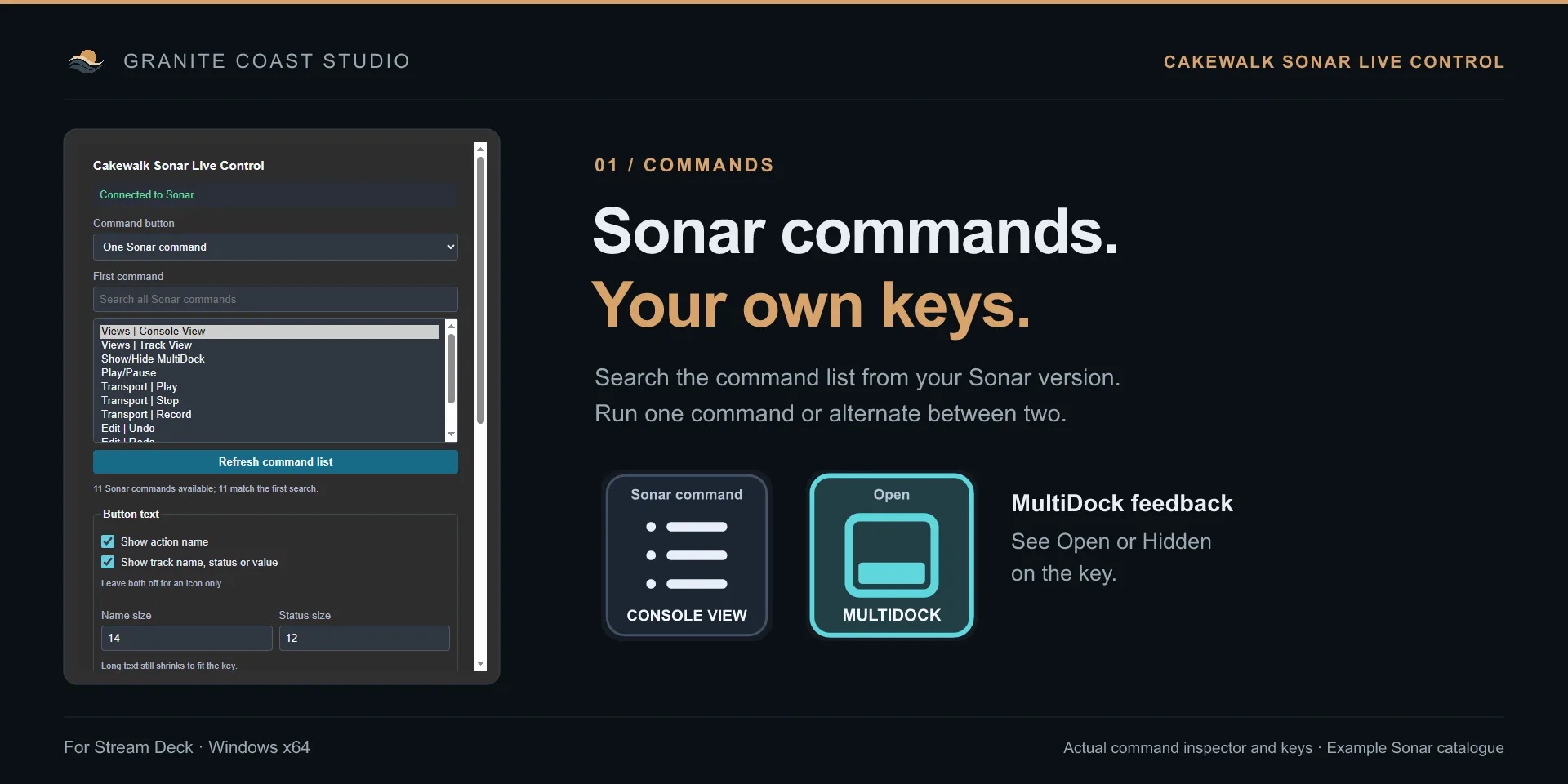
  • One command, such as Console View, Track View or Undo.
  • Alternate between two, the key switches to the other command after each press.
  • Show and hide MultiDock, the key shows Open or Hidden, even when you change it in Sonar.
The Cakewalk Sonar Live Control command inspector, connected to Sonar, searching Sonar commands, next to a Console View key and a MultiDock key showing Open.
Command inspector and keys, example Sonar catalogue

Tracks & dials

The keys follow your tracks.

Select, arm, mute and solo light up as they are set in Sonar, with the track name on the key.
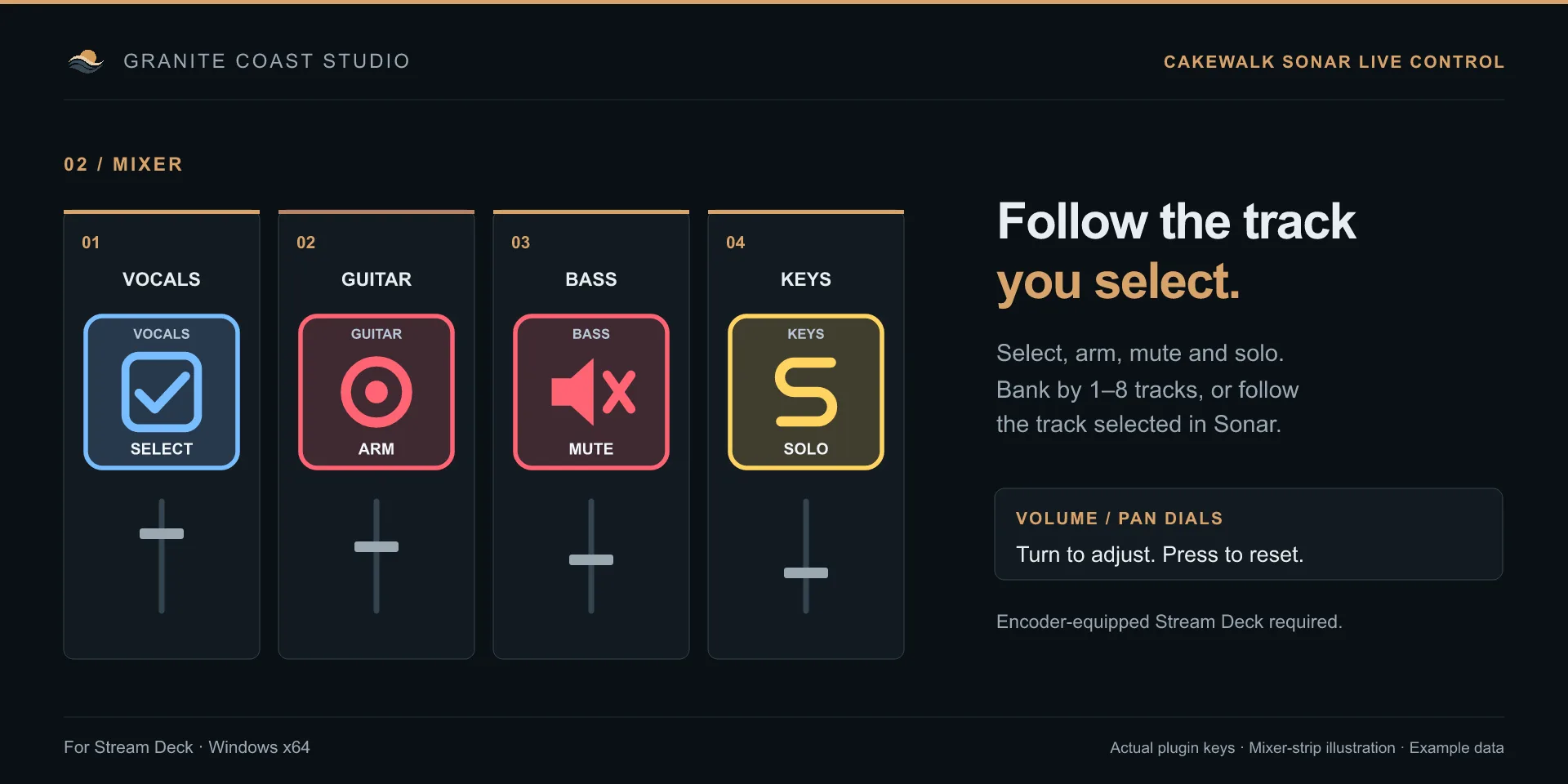
  • Banks of 1 to 8 tracks, with a step that can follow your key layout automatically.
  • Selected track in Sonar, arm, solo or mute whichever track you are working on.
  • Volume and pan dials, turn to adjust, press to reset to 0 dB or center. Requires a Stream Deck with dials.
Four mixer strips for vocals, guitar, bass and keys, with Select, Arm, Mute and Solo keys showing the track names.
Actual plugin keys on illustrated mixer strips

Your look

See the state. Set the style.

Choose key colours, text sizes and built-in icons. Long names shrink to fit, and the active colour frames the key so you can read the deck at a glance.
  • Built-in icons, for transport, tracks and commands.
  • Bring your own PNGs, with a separate image for the active state. Or use the Music Production Icon Pack.
  • Position display, as measures, beats and ticks or elapsed time.
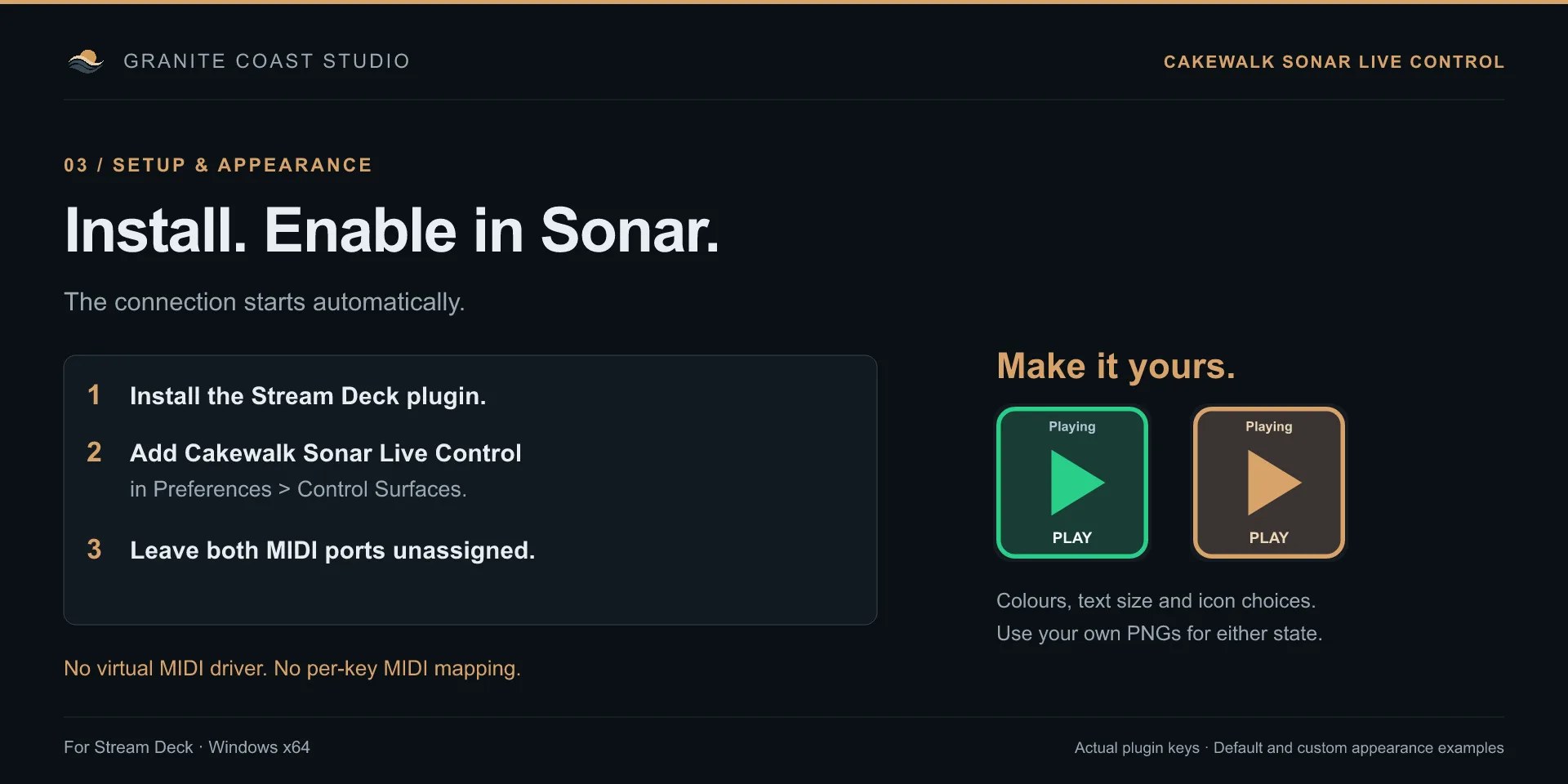
Setup in three steps next to two Play keys, one with the default green style and one with a custom amber colour.
Default and custom appearance

Setup

Install. Enable in Sonar. Play.

  1. Install the plugin

    Get Cakewalk Sonar Live Control from the Elgato Marketplace. It installs for your Windows user, no administrator access needed.

  2. Enable it in Sonar

    Open Preferences, then Control Surfaces, and add Cakewalk Sonar Live Control. Leave both MIDI ports unassigned.

  3. Assign your keys

    Drop transport, track and command actions onto the deck. Their settings show Connected to Sonar, and the keys go live.

Requirements

Windows
Windows 11, 64-bit
Cakewalk Sonar
Installed separately
Stream Deck
Version 6.9 or later
Dials
Stream Deck with dials, such as Stream Deck +

Version 1.0.0 controls tracks, not a separate master or bus bank. It does not insert FX or VST plugins or show BPM and time signature. Setup questions? See the FAQ or write to the developer.

Your Sonar session, at your fingertips.

Get Cakewalk Sonar Live Control from the Elgato Marketplace and run transport, tracks and commands from the Stream Deck.

Get Cakewalk Sonar Live Control